 Elite Information Services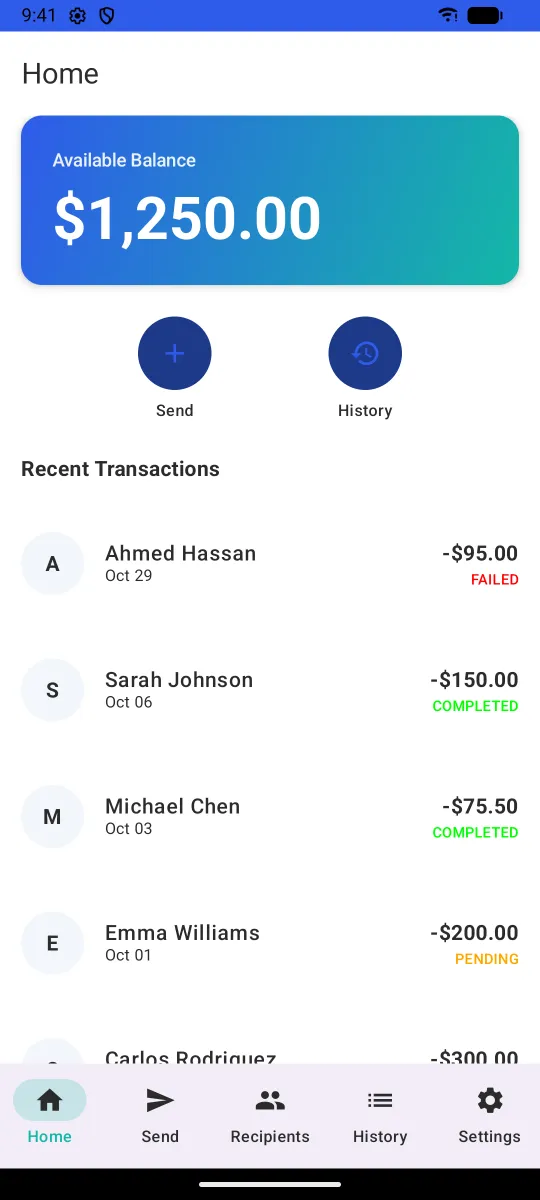
The challenge
Sending money abroad is something many customers already do, often through confusing apps or a counter where fees and exchange rates aren't clear until the end. The client wanted to see what their own service could look like, and test the experience with real people, before committing to licensing, banking partners and a full build.
That called for a prototype convincing enough to put in someone's hands: real screens, real navigation and believable data, without moving any money.
The approach
Prototype the whole journey, not just a few screens. Instead of static mock-ups, I built a working app that walks through every step of a transfer, so the client could see and feel the full experience.
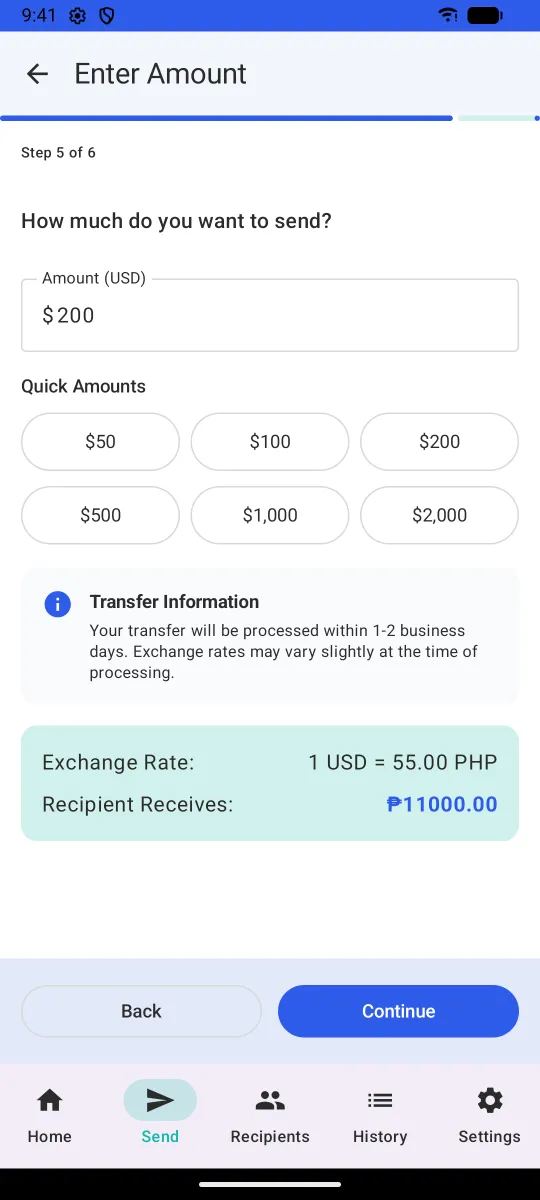
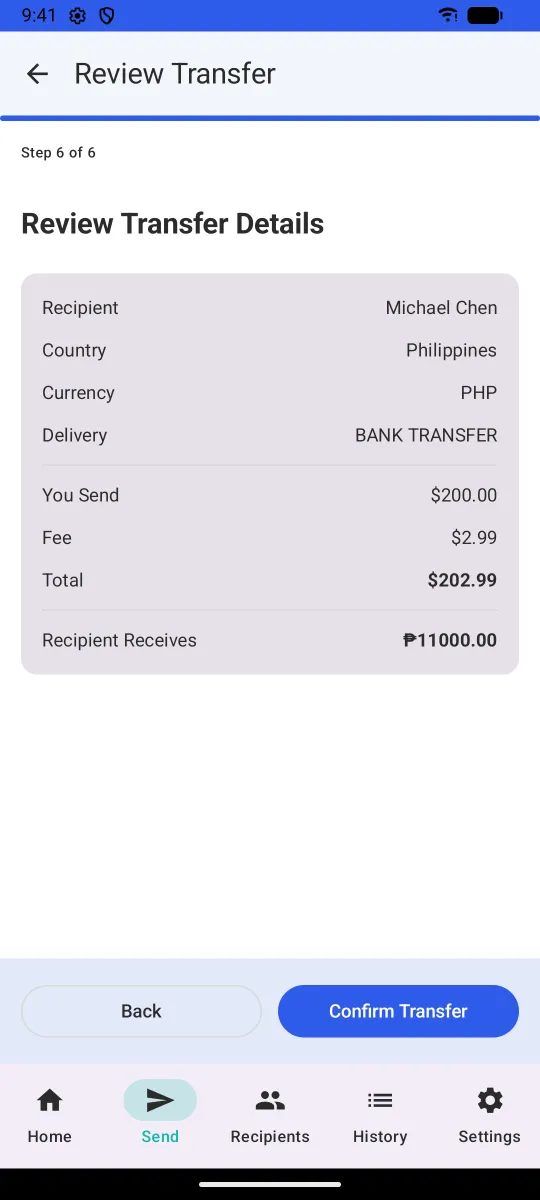
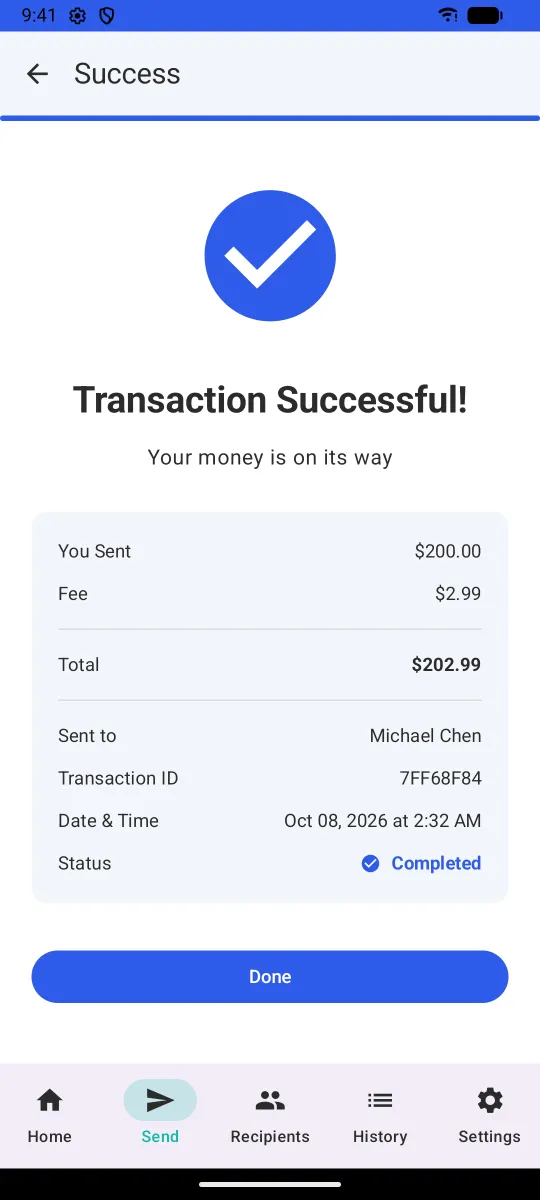
Make every cost visible before the customer commits. The fee, total and amount the recipient receives update as the customer types and are shown again on a review screen before anything is confirmed.
Design for the people who actually send money abroad. That meant several languages, a right-to-left layout for Arabic, and accessibility from the start rather than as an afterthought.
Simulate the hard parts honestly. The prototype deliberately fails about one transfer in ten, so the failure, pending and retry screens were designed and tested too, not just the happy path.
I use AI-assisted development to move quickly, and every part of the system is designed and reviewed against the same security standards I apply as a CISO.
What was built
- A six-step send flow: destination country, currency with the live exchange rate, delivery method (bank transfer or cash pickup, each with its fee), recipient, amount, and a review screen with a full fee breakdown.
- Instant feedback: quick-pick amounts, the amount the recipient will receive shown in their currency as the customer types, and a confirmation with a transaction reference.
- Saved recipients: add, edit and reuse recipients, or pick from the phone's contacts.
- History and tracking: past transfers with status (completed, pending, failed) and full transaction details.
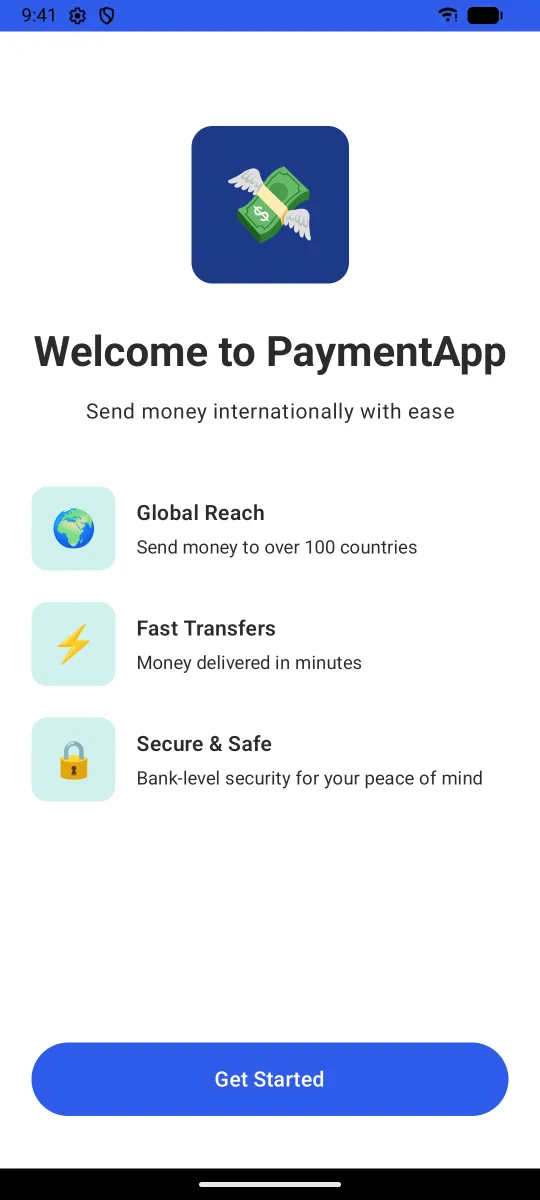
- Onboarding and a tutorial for first-time users, plus notification settings.
- Six languages on iPhone: English, Spanish, French, Hindi, Simplified Chinese and Arabic, with the layout mirrored for right-to-left reading. 412 of the app's 424 phrases are translated in each language.
- Accessibility: designed to WCAG 2.1 AA guidelines, with VoiceOver labels, support for larger text sizes, colour contrast, generous touch targets and a reduced-motion option.
- Both platforms: a native iPhone app in SwiftUI, and an Android port in Kotlin with Jetpack Compose. The Android port currently runs in English only.